
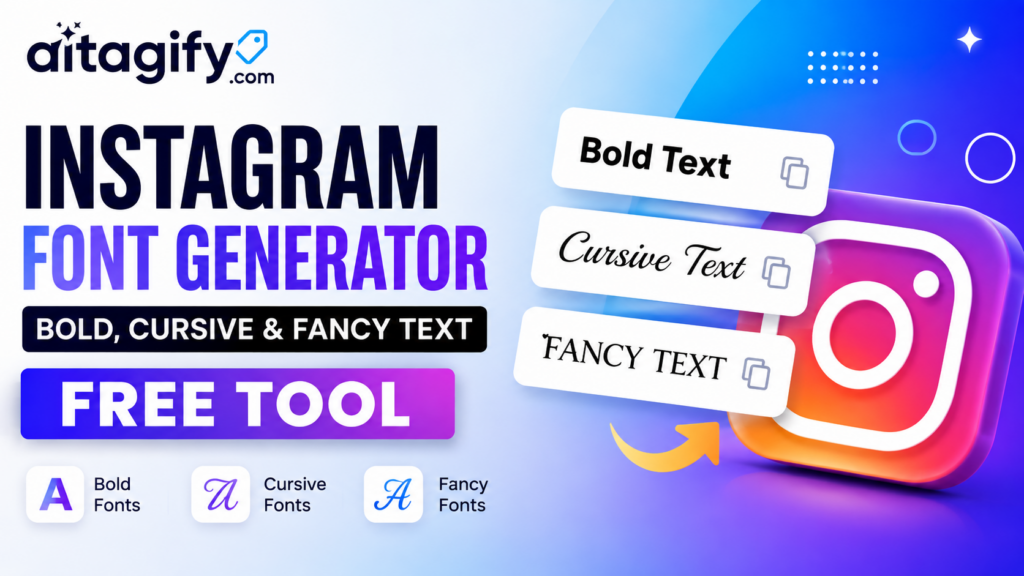
Instagram Font Generator: How to Get Cool Fonts for Your Bio and Captions
If you scroll through Instagram for even five minutes, you will notice something. Some profiles just look better. Their bio text isn’t the plain default font everyone else uses. It’s bold, it’s cursive, sometimes it looks like something out of a fashion magazine. That’s not because Instagram secretly gives certain accounts better fonts. It’s because those people used an Instagram font generator.
An Instagram font generator is a small online tool that takes normal text and turns it into stylish looking text using Unicode characters. You type your name, your bio line, or your caption, and the tool shows you dozens of versions in different styles. Bold, italic, cursive, bubble letters, small caps, gothic style, and a bunch of quirky symbol based fonts. You pick the one you like, copy it, and paste it straight into your Instagram profile.
The reason these tools work everywhere, not just Instagram, is because they aren’t actually changing the font of your device. They are swapping your regular letters for special Unicode characters that already look styled. Since Unicode is a universal text standard, that styled text pastes fine into Instagram, TikTok bios, WhatsApp status, Discord chats, and even YouTube comments. Nothing gets installed, nothing gets downloaded, it’s just text that happens to look different from the letters on your keyboard.
Why should you bother styling your bio at all? Because attention spans on social media are short. Someone lands on your profile for two or three seconds before deciding to follow or scroll past. A bio that stands out, even slightly, makes people pause. A stylish name or a decorative word in your caption catches the eye in a way plain text simply doesn’t. Brands do this on purpose. Influencers do it on purpose. It’s a tiny design trick that makes a profile feel intentional rather than thrown together.
Tool Link Click Here
How to generate stylish text for Instagram
Using a font generator sounds like it should be complicated, but it really isn’t. The Instagram Font Generator on aitagify.com, at aitagify.com/instagram-font-generator, makes the whole process take less than a minute.
Step one is opening the tool and typing your text into the input box. This can be your name, a short bio line, a caption, or even a single word you want to emphasize.
Step two is browsing the live preview. As soon as you type, the tool instantly shows your text converted into a long list of different styles, so you can scroll through bold versions, cursive versions, monospace versions, double struck letters, small caps, and decorative symbol styles, all generated from the same line of text you typed.
Step three is picking the style you actually like. You can use the search box to jump straight to a specific style if you already know what you’re after, or just scroll and compare a few side by side using the Instagram style preview built into the page.
Step four is copying it. Every style has its own copy button, and there’s also a copy all option if you want to grab several styles at once and decide later. There’s no sign up required and no limit on how many times you can generate new text.
Step five is pasting it into Instagram. Open your profile, tap edit profile, paste the styled text into your name or bio field, and save. For captions, you paste it directly into the caption box when you’re posting.
The entire tool runs in your browser, so your text never actually gets uploaded anywhere. That matters if you’re testing out bio ideas you haven’t decided on yet.
Using styled fonts the smart way
There is a right way and a wrong way to use decorative text. Don’t style your entire bio in fancy cursive text. It gets hard to read, and some styles don’t display properly on every phone or app version. The better approach is to style one part, maybe your name or a short call to action like Follow for more or New Post, and keep the rest of your bio in normal readable text. This way you get the visual pop without sacrificing clarity.
A few things worth keeping in mind. Prioritize readability over decoration, since the goal is still communication, not just decoration for its own sake. Use styled text selectively rather than everywhere, because one styled phrase stands out more than an entire paragraph of it. Match the style to your profile, so a business account probably wants something clean and bold rather than heavily decorative script. And always check how the final text looks on a phone screen after you paste it, since rendering can vary slightly between devices.
Where this comes in handy beyond Instagram
Since the styled text is just Unicode, it isn’t locked to Instagram. The same copied text works in TikTok bios, Discord channel names and messages, WhatsApp statuses, Facebook posts, and X profiles. If you manage more than one social account, you can generate a style once and reuse it across platforms for a bit of visual consistency in your branding.
Common questions people have
A lot of people ask if these are real fonts installed on their phone. They aren’t. They’re copy paste Unicode characters, which is exactly why they work across so many apps without needing any installation. Some also ask why certain letters or emoji don’t change when they type them in. That happens because Unicode doesn’t have a styled equivalent for every character, so anything unsupported, including most emoji, numbers in some styles, and non English characters, gets left as it was typed rather than breaking.
If you’re building out a profile for a business, a creator page, or even just your personal account, spending two minutes on the Instagram Font Generator at aitagify.com is one of the easiest upgrades you can make. It costs nothing, takes almost no effort, and instantly makes your profile look a little more put together.


Leave a Reply